



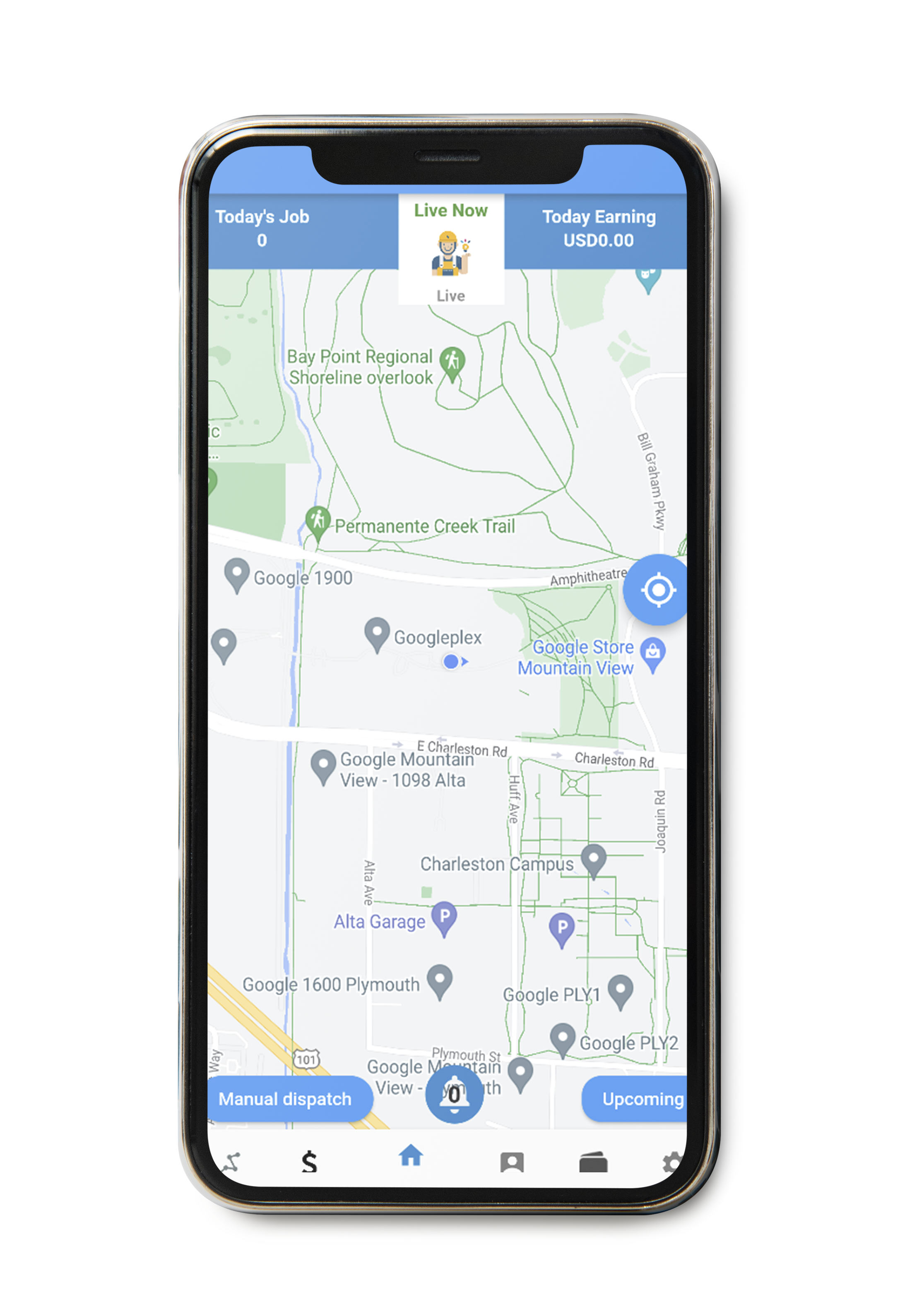
1. Open the Mobile App: Launch the mobile app on your smartphone and log in to your account using your Xirfadle professional credentials.
2. Navigate to Recharge Section: Once logged in, navigate to the “Offline” section within the app. This section is typically located within the top main menu or on the home screen for easy access.
3. Confirm Recharge: After selecting the recharge amount and mobile money as the payment method, the app will prompt you to confirm the recharge request. Review the selected amount and payment to ensure.

4. Mobile Money Payment: Once the required confirmation, the app will redirect you to the mobile money provider’s interface for payment confirmation as USSD on your screen. You will be prompted to enter confirmation option and then your mobile money PIN to authorize the payment.
5. Receive SMS Confirmation: After successful payment confirmation, the Payments system will generate a confirmation message to indicate that the recharge has been completed. This message may include details such as the recharge amount, transaction ID, and updated account balance.
6. Post-Recharge Options: Following the successful recharge, the app will offer to view Available Clients on your professional Account until your account balance become null.
Comments are closed